 Lekto
Lekto
Timetable widget
School timetable widgetWhat's on now, what's next and where – without opening the app.
One glance at your Home Screen tells you where to go at break. The countdown shows how long until the bell.
Lekto for Android is coming to Google Play very soon.
- Small widget free
- iPhone and Android
- Updates itself
iPhone
Home Screen, Lock Screen and Dynamic Island
On iPhone the small "now and next" widget is free. Lekto Pro adds larger widgets, Lock Screen widgets and a Live Activity counting down to the end of the lesson.
- Touch and hold the Home Screen → Edit → Add Widget → Lekto
- Siri and Shortcuts: "What do I have now?"
- Countdown on the Lock Screen (Pro)
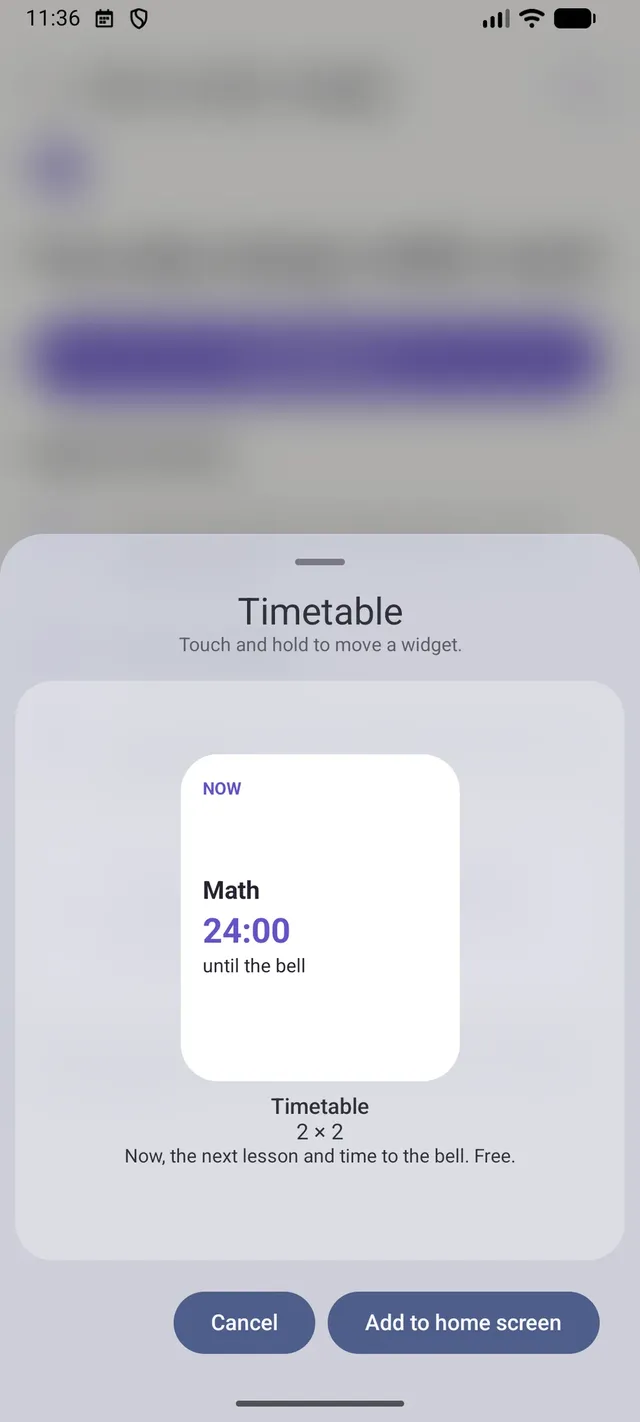
Android
"Now and next" and the day plan
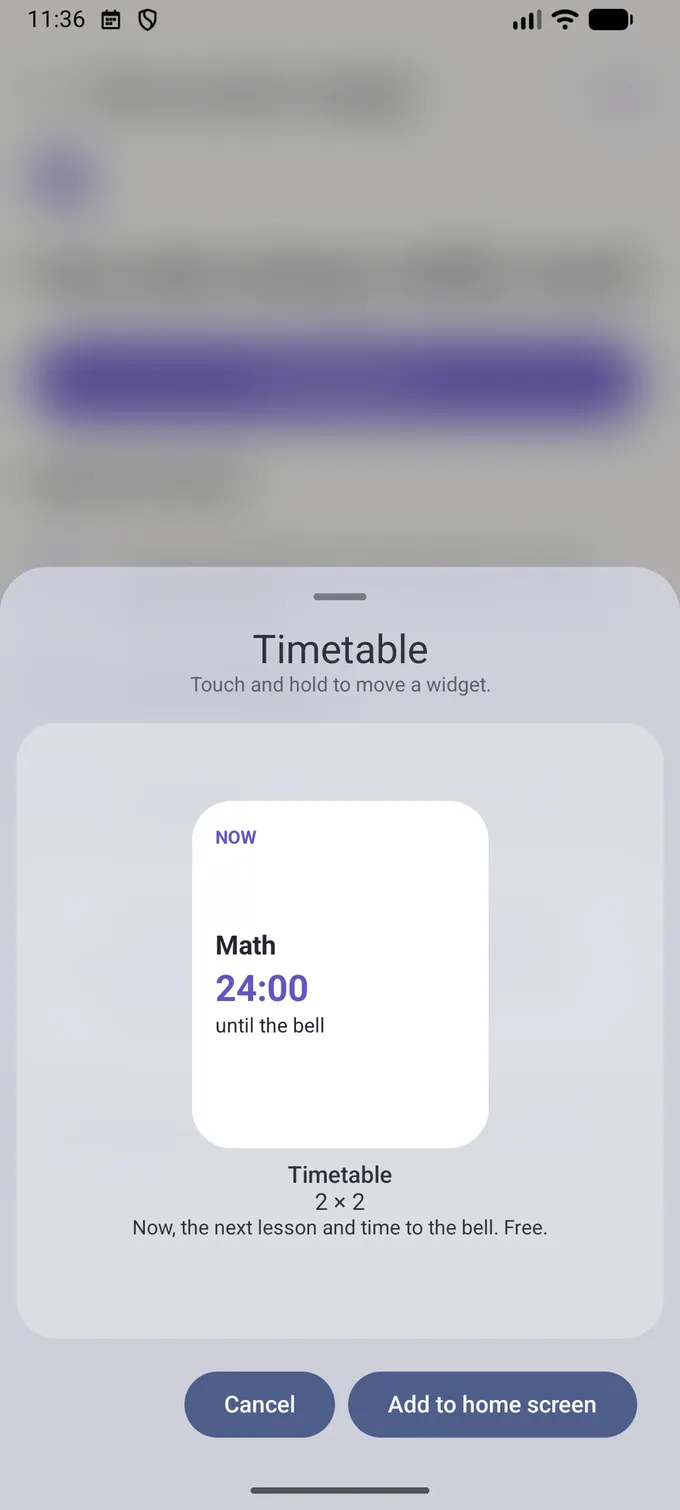
On Android the free 2×2 widget shows the current and next lesson with a countdown. Pro adds the "Day plan" widget and an ongoing notification counting down to the end of the lesson.
- Touch and hold the Home Screen → Widgets → Lekto
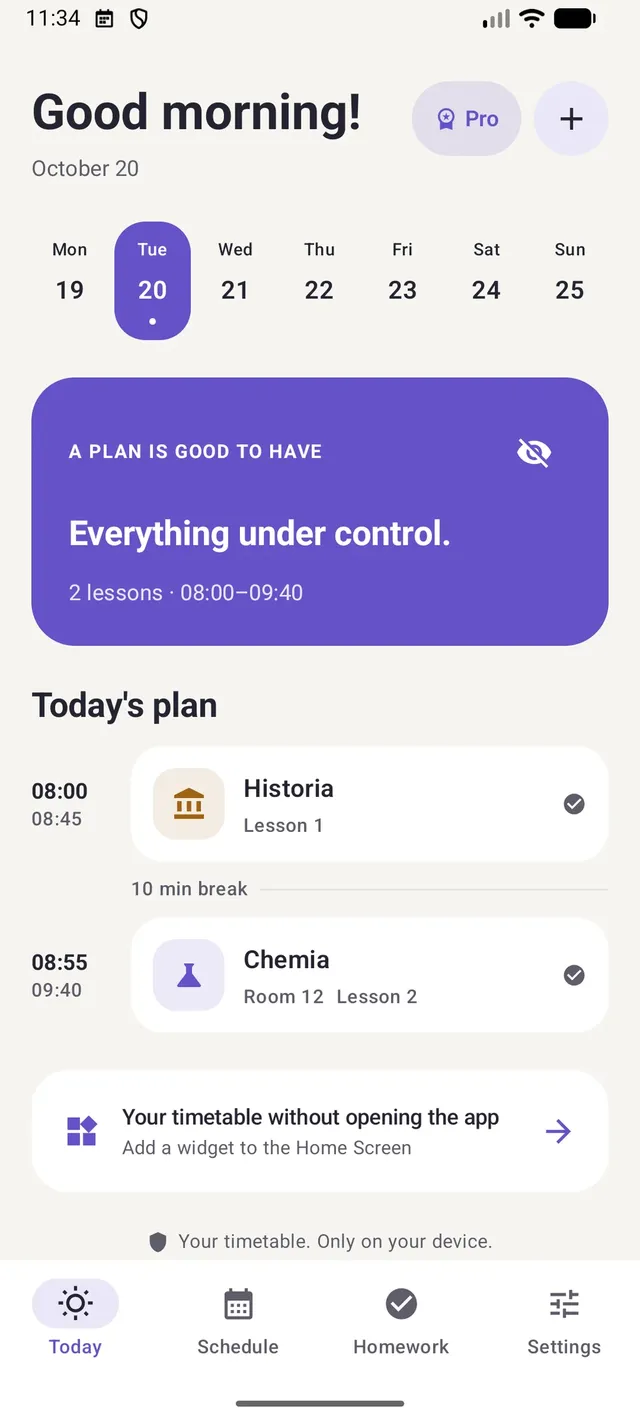
- Icon shortcuts: Today, Add task, Timetable from photo
- "Day plan" widget from 4×2 to 4×4 (Pro)
Widget questions
Is the timetable widget free?
The small widget with the current and next lesson is free on iPhone and Android. Larger widgets, Lock Screen widgets and the countdown are part of Lekto Pro.
Does the widget work offline?
Yes. Your timetable is stored on the phone, so the widget needs no connection.
Does the widget follow week A / week B?
Yes. It shows the lessons of the current week, odd or even, just like the timetable in the app.
Guides
Student guides
Practical advice on timetables, studying and the school year.
The first guides are on their way.
Set up your timetable once. Lekto does the rest.
Take a photo of your timetable, check the result and add a widget. Free, no account, no ads.
Lekto for Android is coming to Google Play very soon.